


Create an interactive lesson
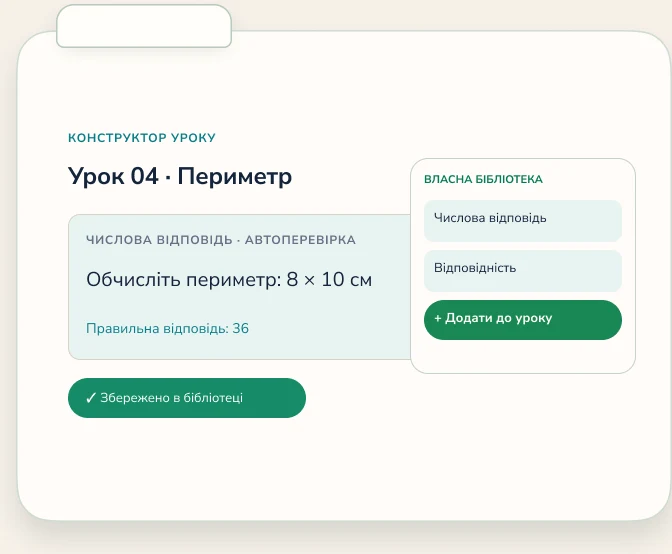
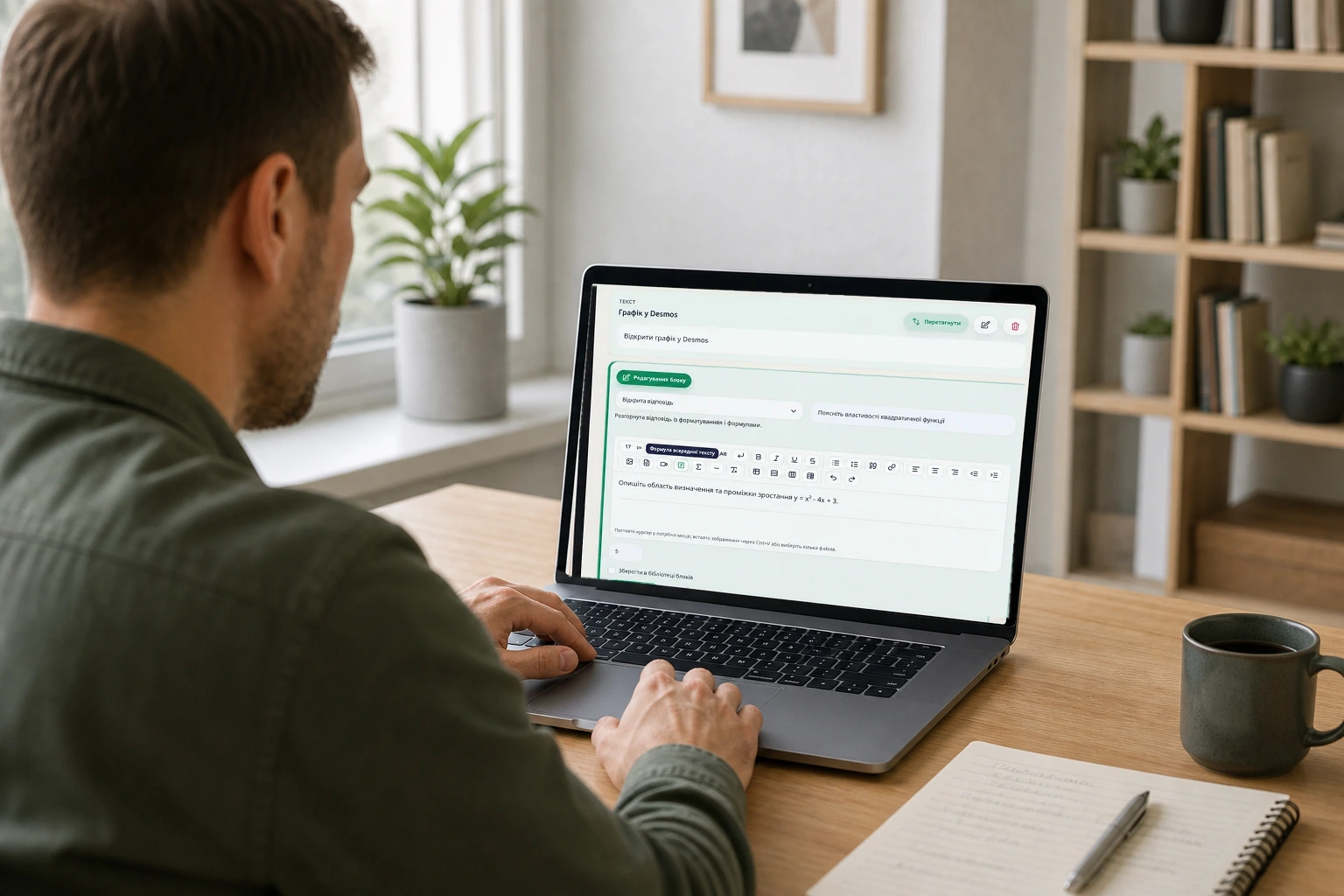
Add text, formulas, images, video, and tasks. Save the lesson and reuse it.
Create interactive lessons, schedule or approve bookings, teach live with a shared whiteboard, and track student progress.
Instead of separate services, tutors prepare material, schedule or approve bookings, teach online, and return to student answers in the same workspace.
Add text, formulas, images, video, and tasks. Save the lesson and reuse it.

Create a class manually or approve a request from the public calendar. Email and optionally connected Telegram send reminders, while Classroom keeps video, chat, materials, and the whiteboard in one window.
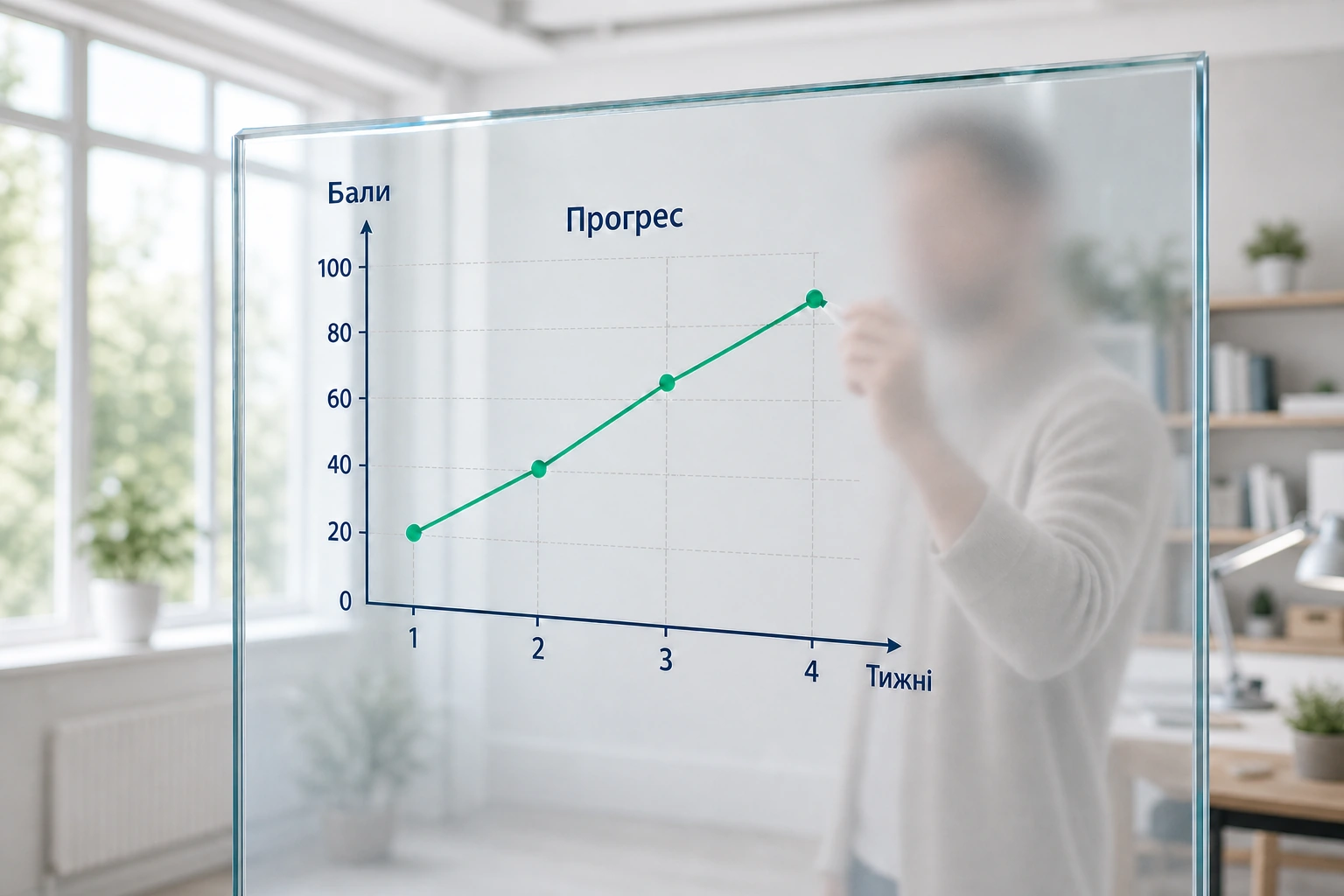
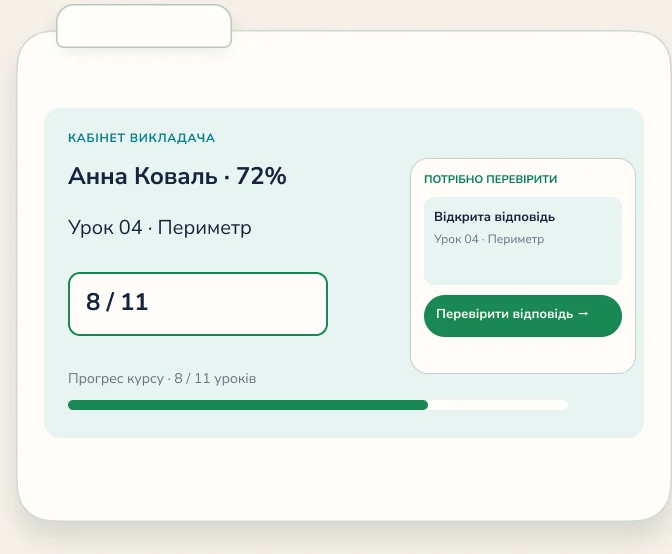
Review task results and see where the student needs more attention.
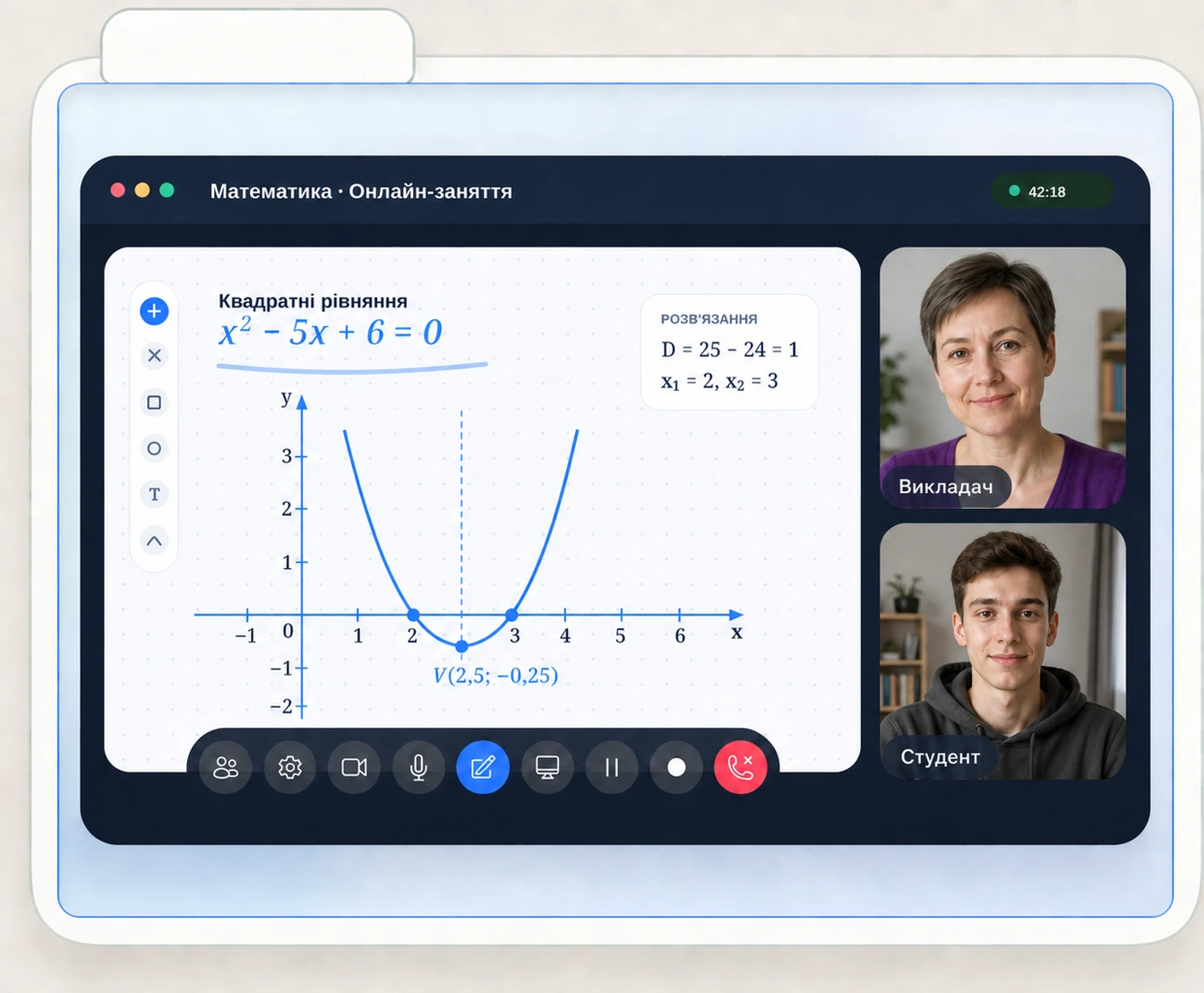
Video, a shared whiteboard, chat, and materials open in one Classroom. Students join from their workspace.
Explain material on the interactive whiteboard and open the files you need during the lesson.
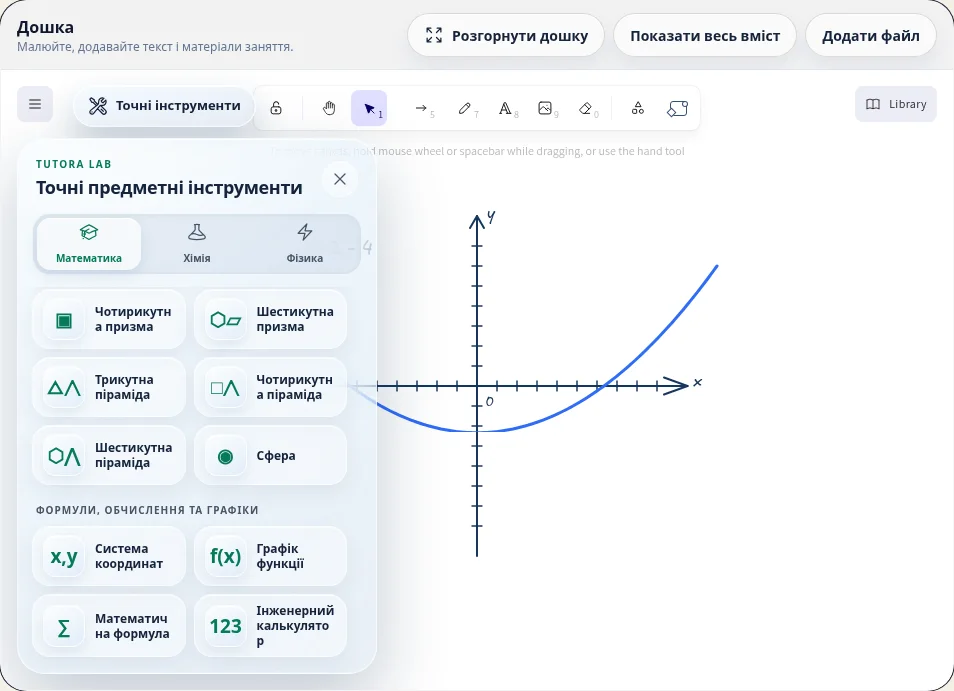
Students join from their workspace. Whiteboard, chat, and attachment history is saved on Pro.
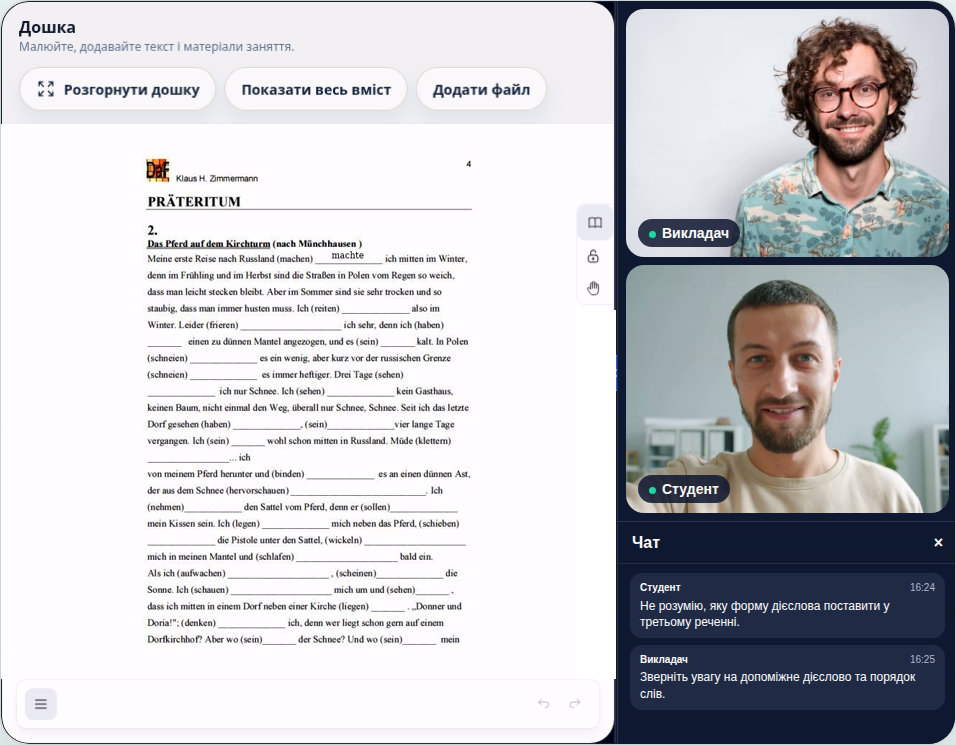
Answers, results, and learning materials stay organized in one workspace.
Review completed tasks and add your own feedback to automatic checks.
See student results and the topics that need extra attention.
Download a Tutora Backup of your courses, lessons, and results on every plan.
Free gives you everything needed to start and schedule manually. Pro adds public booking, higher limits, group classes, recordings, and saved Classroom history.
No payment
Pay yearly: UAH 6 990. Save UAH 1 398 (17%)
Answers to the main questions before you create your first lesson.
Yes. Free includes up to 3 active courses, 6 active students, interactive lessons, task review, progress, and up to 4 hours of individual 1:1 Classroom sessions per personal monthly cycle.
Students pay nothing separately and get a workspace with courses, lessons, tasks, schedule, Classroom, review results, and progress. If the author enables Pro public booking, a student can request an available time; the class is created only after the author approves it.
Yes. Tutora imports its Backup ZIP, Moodle .mbz, Common Cartridge .imscc, QTI .zip, and student CSV files, with a preview before import.
No. The booking calendar and Classroom run in the browser, with video, shared whiteboard, chat, screen sharing, and materials opened from the workspace. Telegram is optional and is used only as an additional notification channel.
Created courses and lessons are not deleted. The workspace returns to Free limits, and your materials and results remain available through Tutora Backup.
Create a free workspace, prepare a lesson, and invite your first student. Move to Pro later when you need higher limits.